Accessibility
Making sure every candidate can read the question.
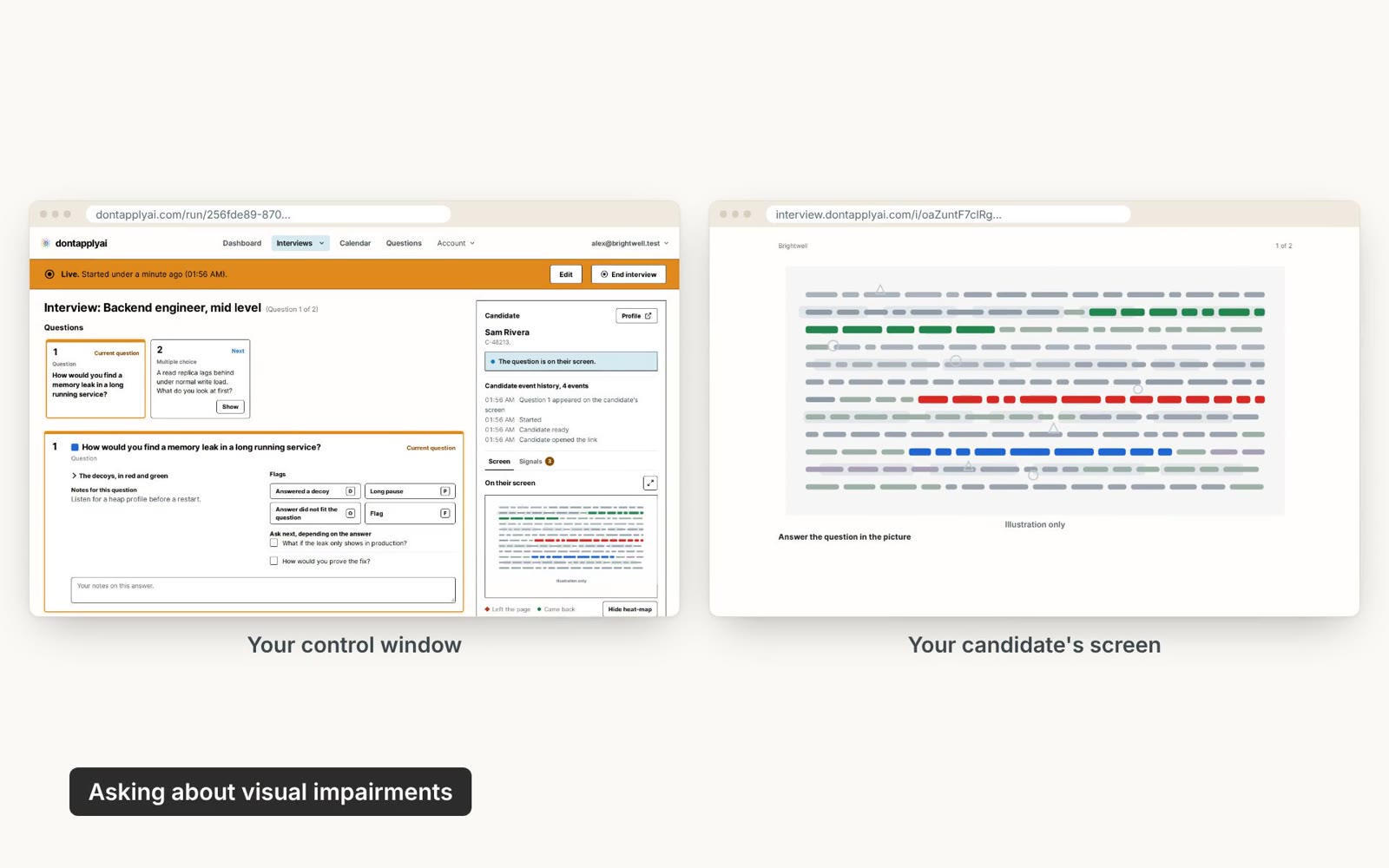
In this video guide
Candidates with a visual impairment
The candidate's page can ask whether they have a visual impairment, such as color blindness. If they say yes, your control window lets you know, so you can arrange another way to interview them, such as face to face. To turn the question off, open Advanced and turn off Ask the candidate about visual impairments.
Screen readers can't read the questions.
Transcript
0:00 You tell your candidate which color to answer, so a visual impairment, such as color blindness, can make that hard. The candidate's page asks whether they have one before the interview starts. The question is on by default. To turn it off, open Advanced when you create the interview, and turn off Ask the candidate about visual impairments. It's asked only on your link, not when you share a window.
0:26 If they answer Yes, you'll see it under Getting ready, in the control window you run the interview from. You can then arrange another way to interview them, such as face to face. Screen readers can't read the questions.
Still need help?
If you can't find the answer you're looking for, send us a message and we'll get back to you, usually within one working day.