

One interview, two screens
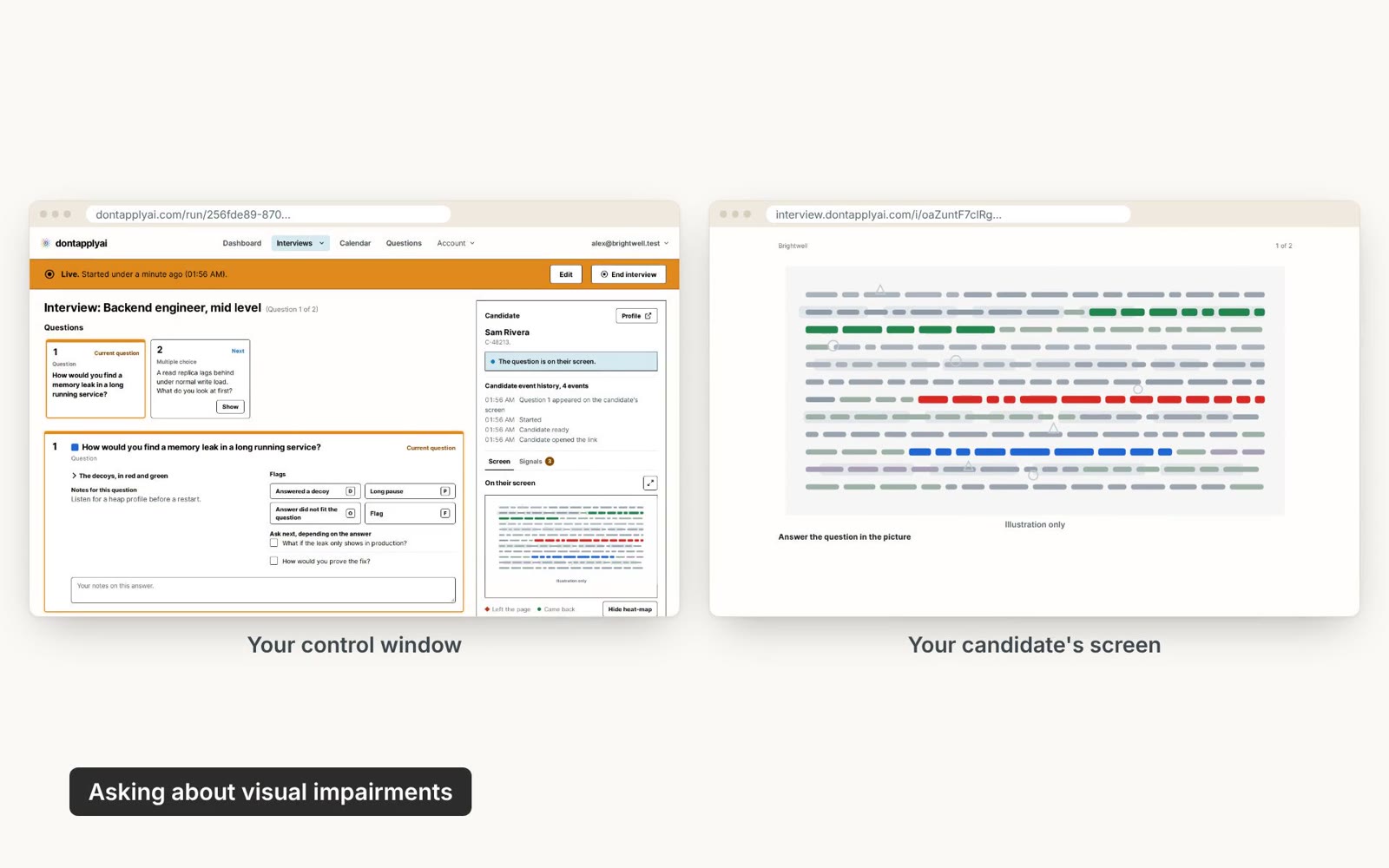
Keep your video call. The candidate reads each question from your link, and a tool reading their screen gets a black box.
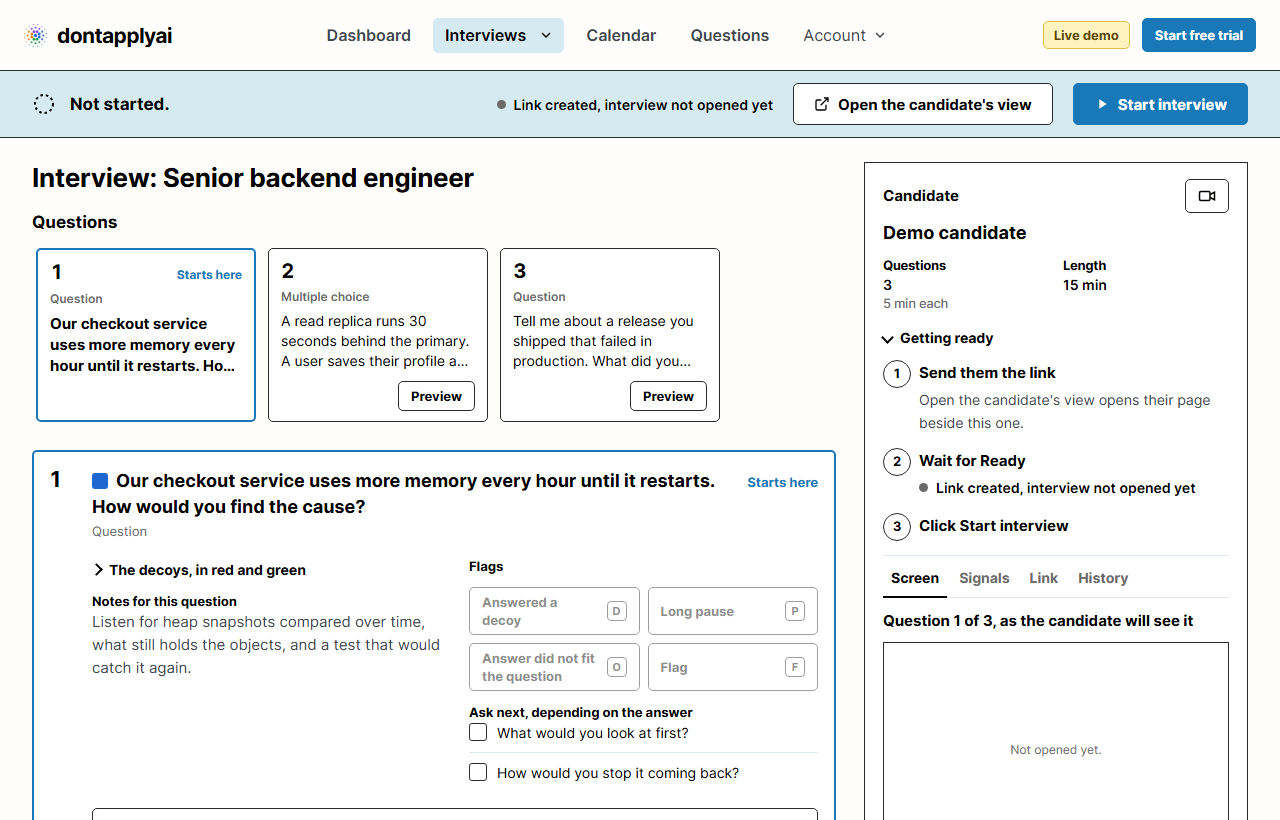
On the candidate screen
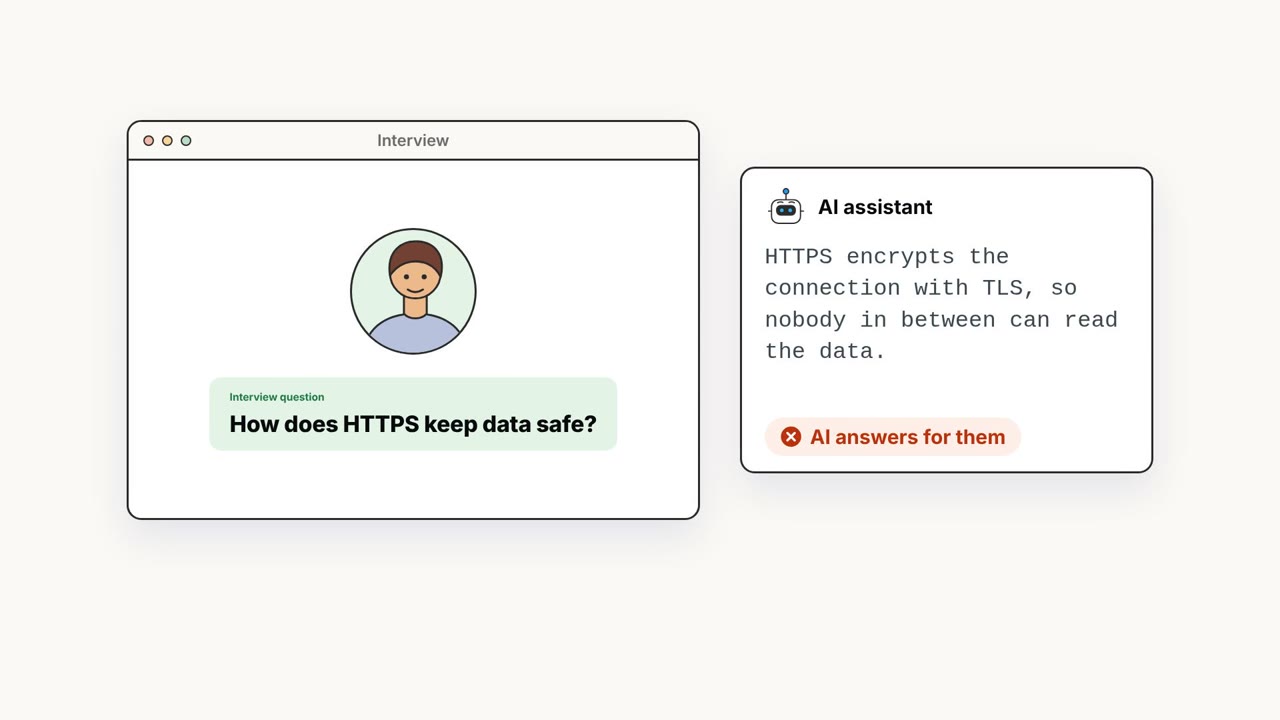
Screen Blackout
Screenshot and screen-reading tools get a black box where your question is. The candidate still sees it in full.
Decoy questions
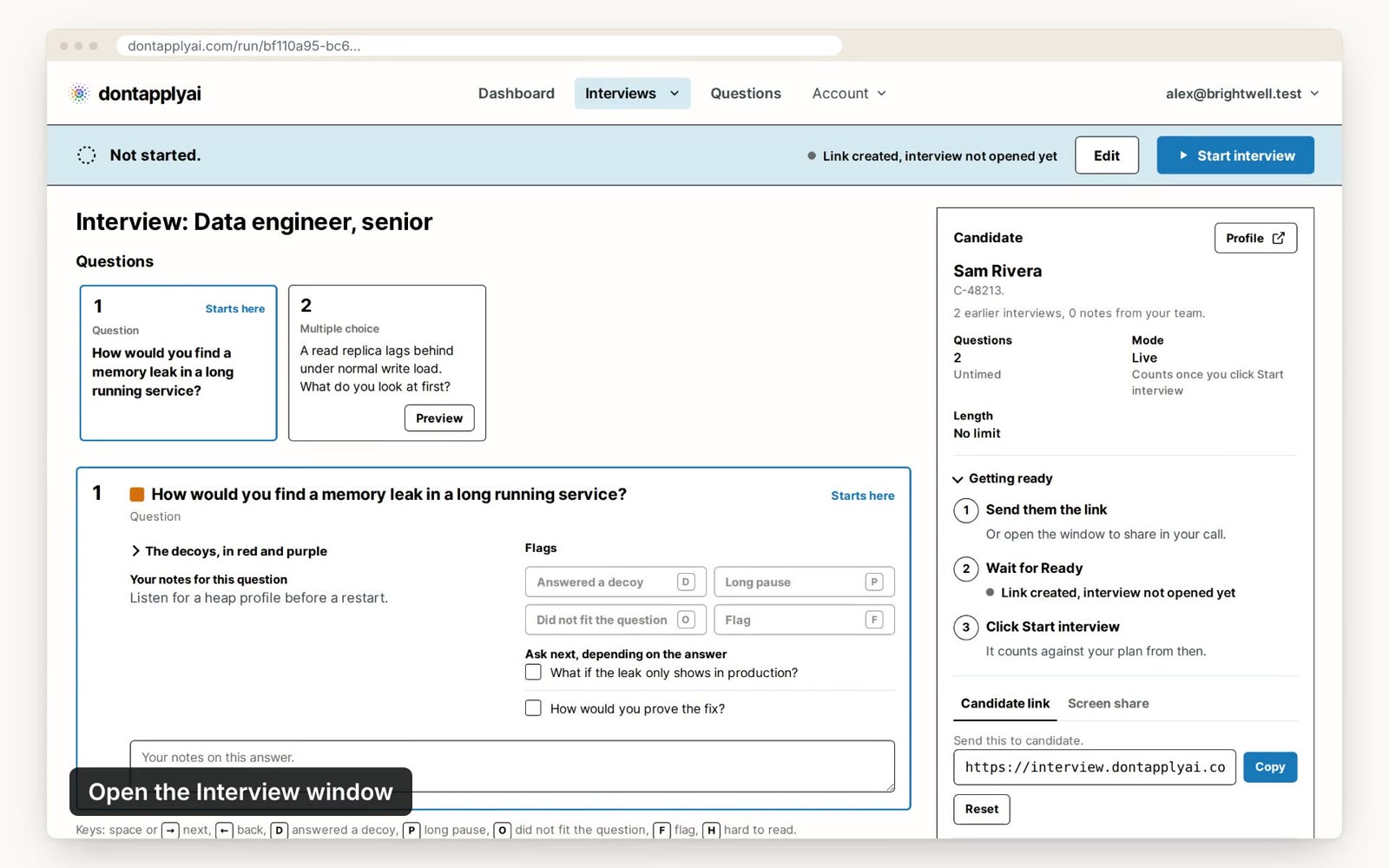
Decoy questions sit beside yours on the candidate screen. Your control window lists them, so you can tell when an answer fits one.
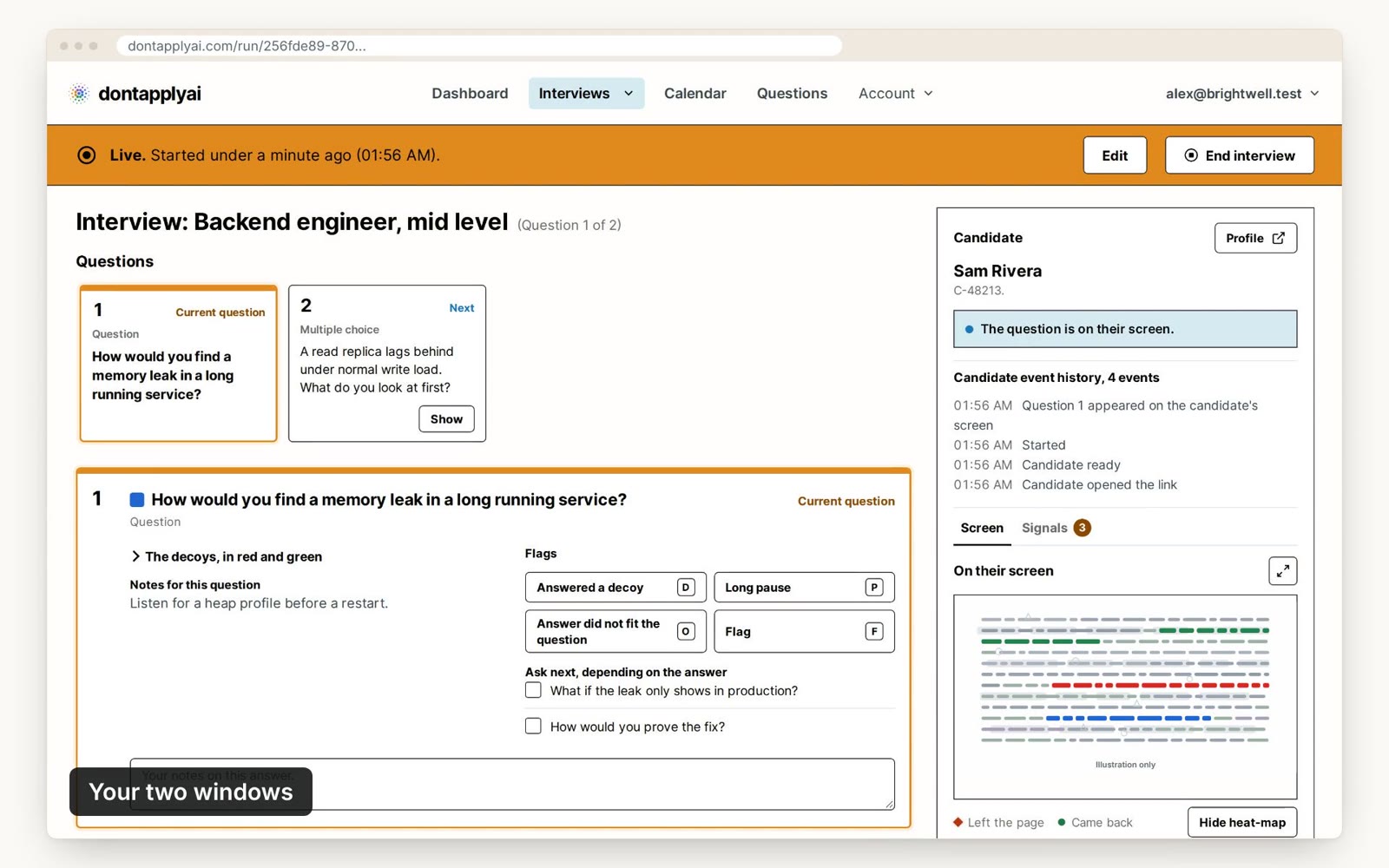
Signals and flags
The control window tells you when the candidate switches to another tab or window. Flag answers and add notes as you go.
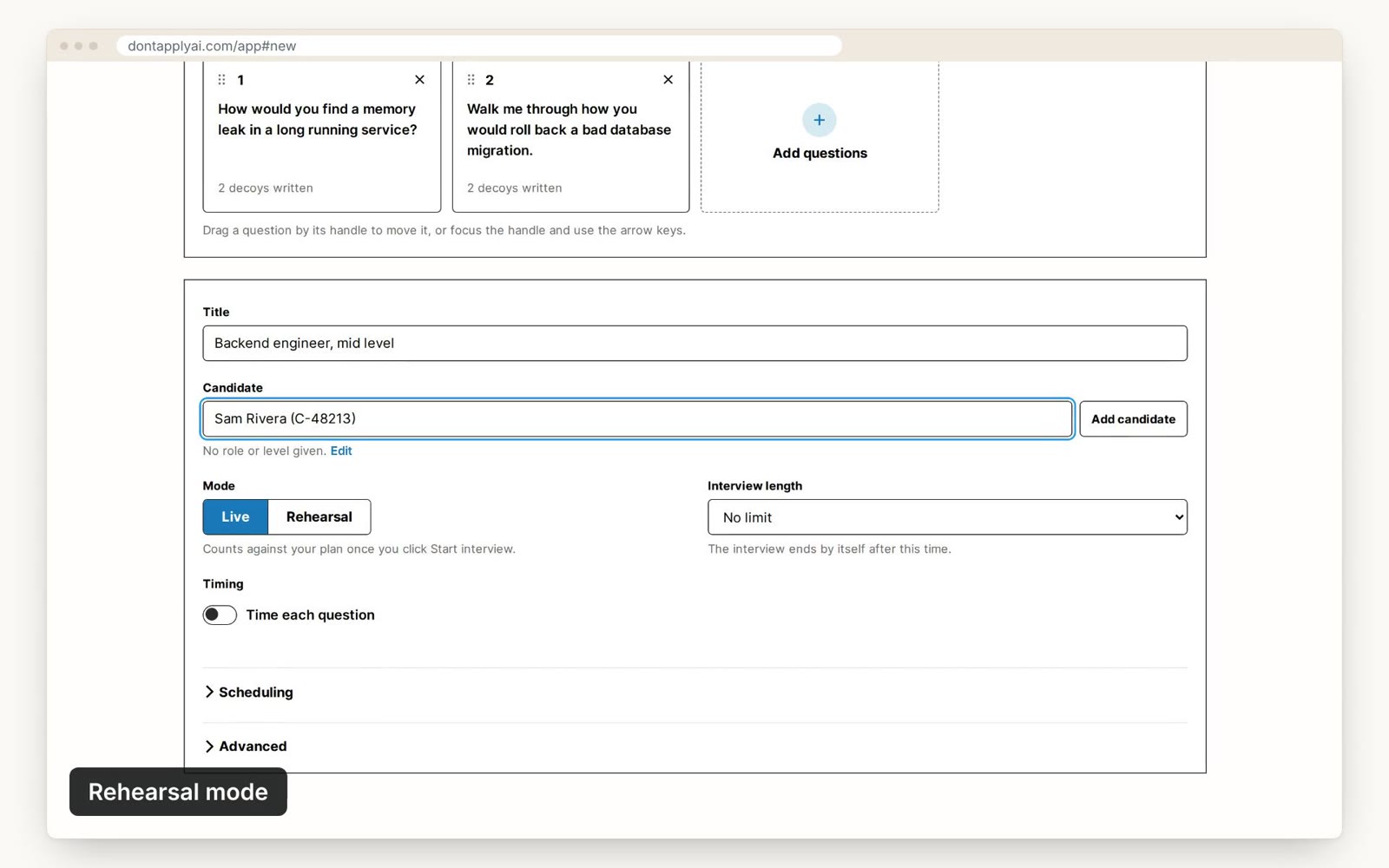
Rehearsal mode
Choose Rehearsal when you create the interview. It runs like a live one but is free and never counts against your plan.
Also in your account
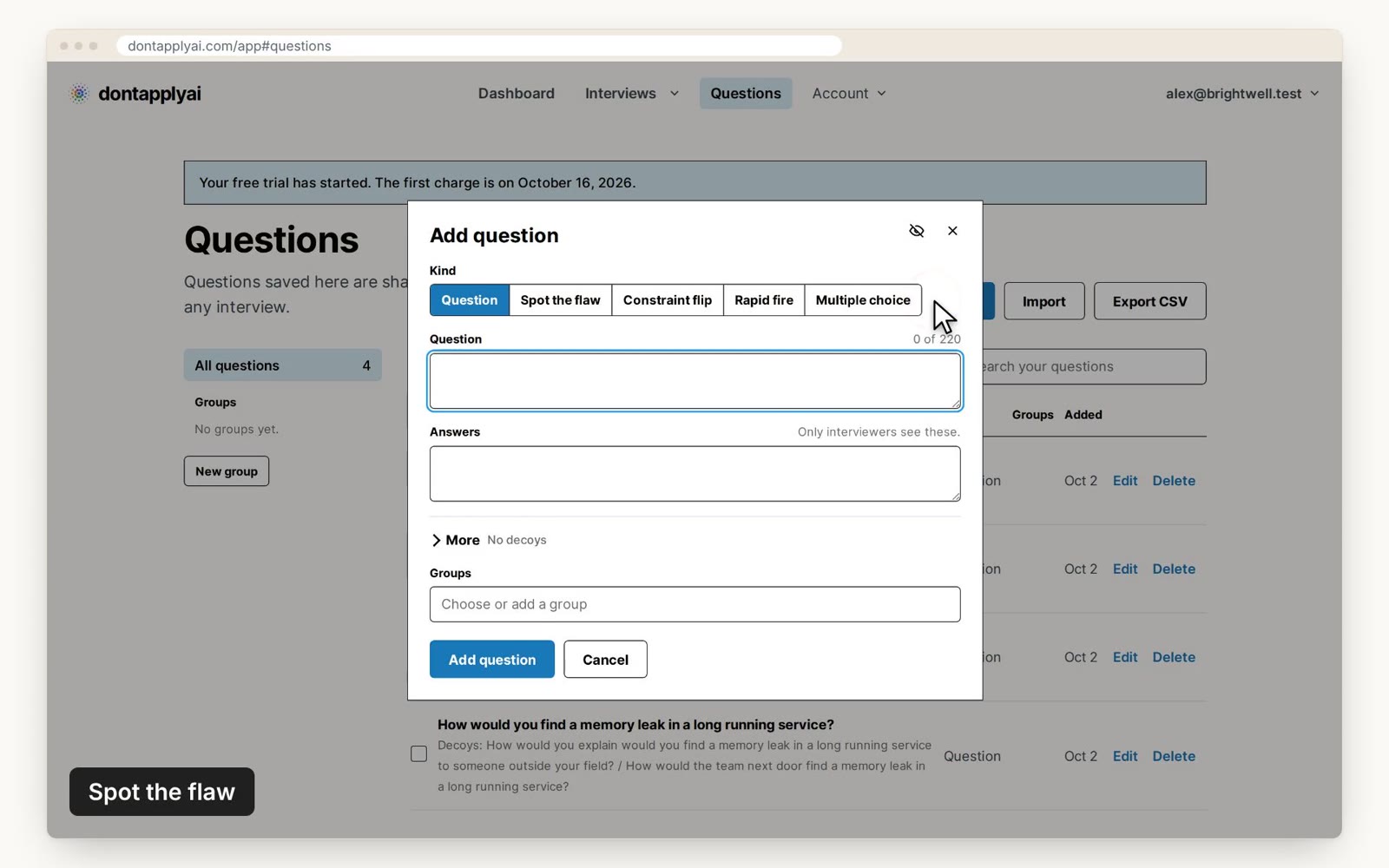
Question library
Upload your own questions, group them by role and share them with your team.
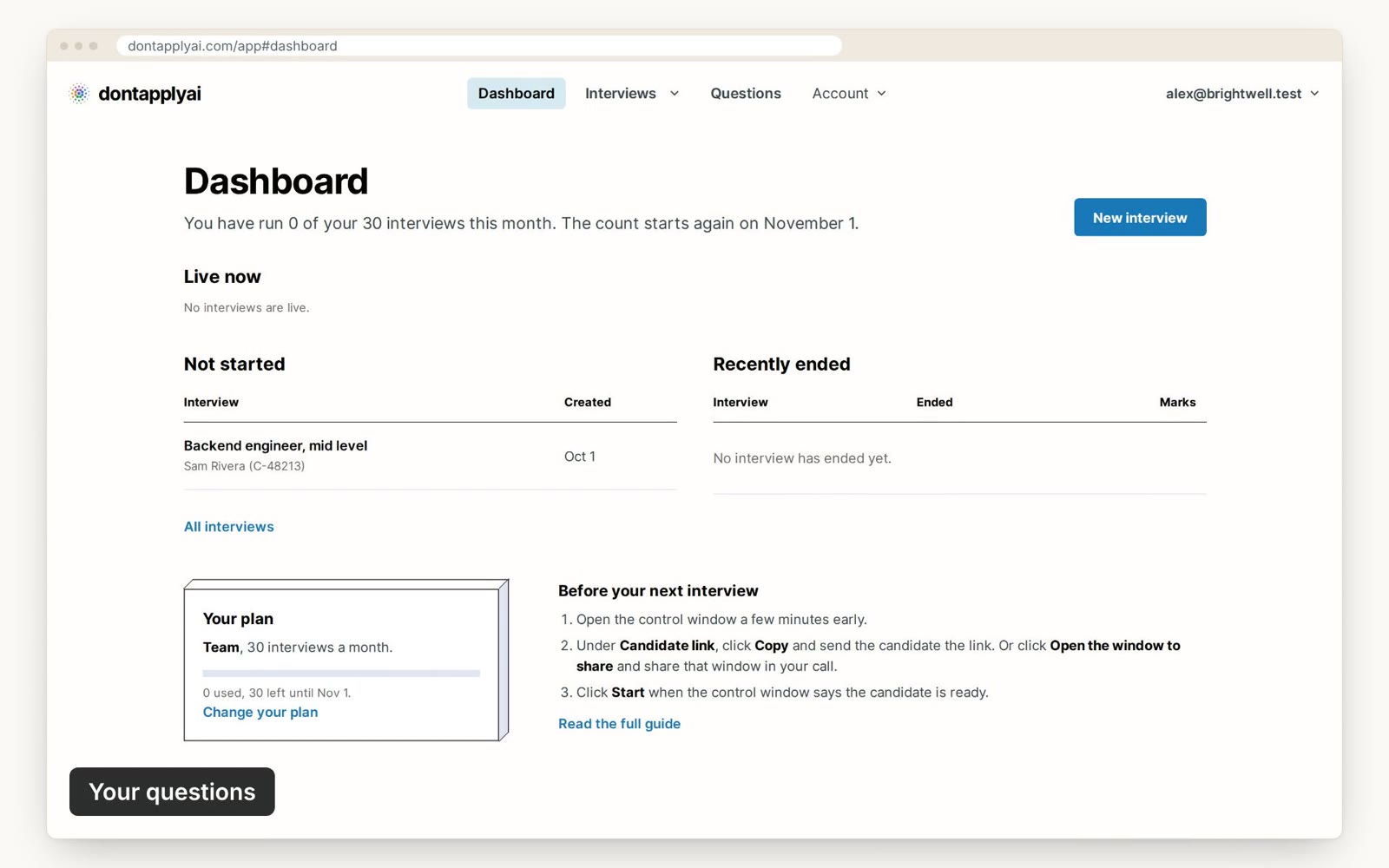
AI connector
Connect your AI assistant and it adds questions for the role to your question bank.
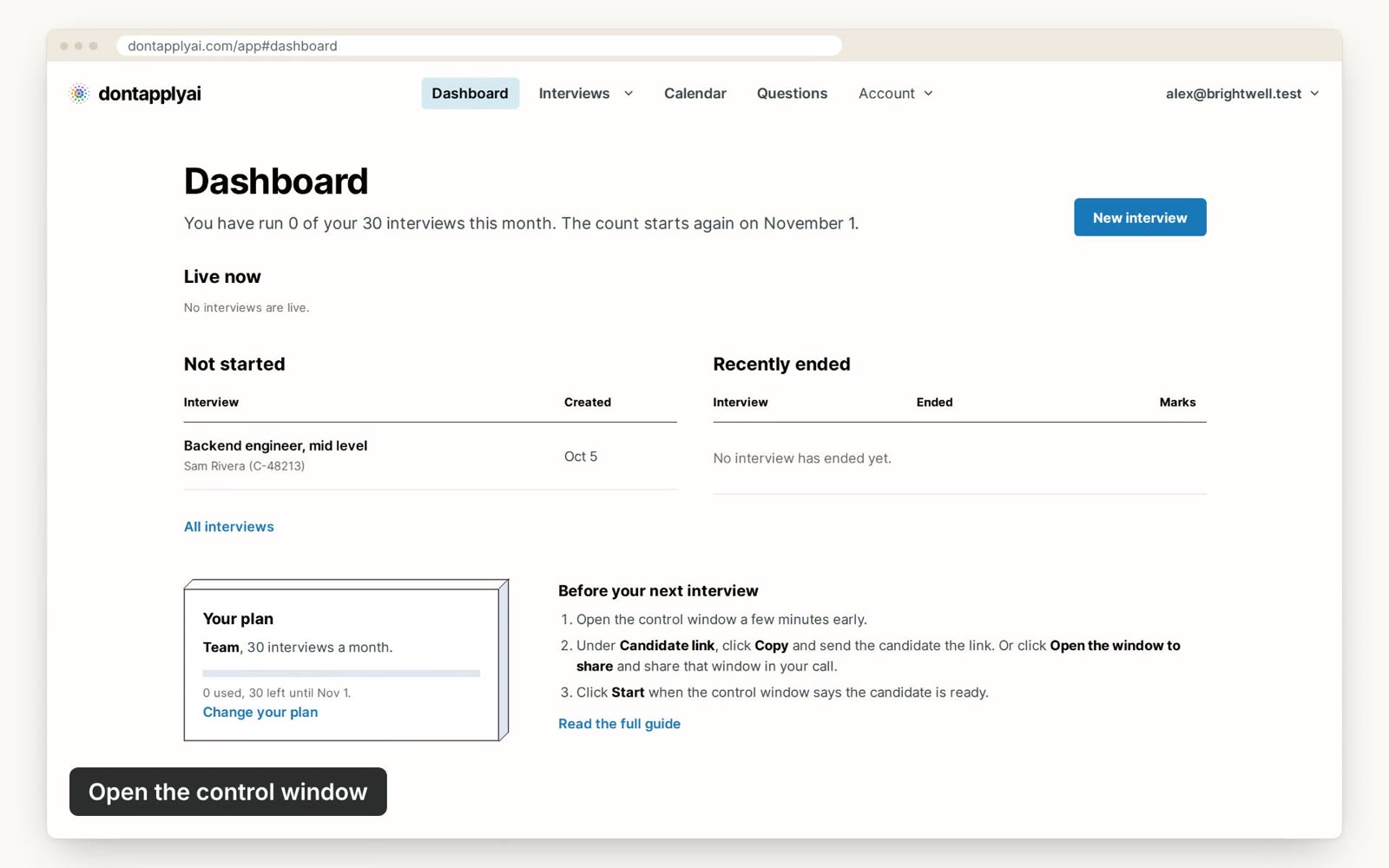
Your video call
Keep Zoom, Microsoft Teams, Google Meet or Webex. Nothing to install for anyone.
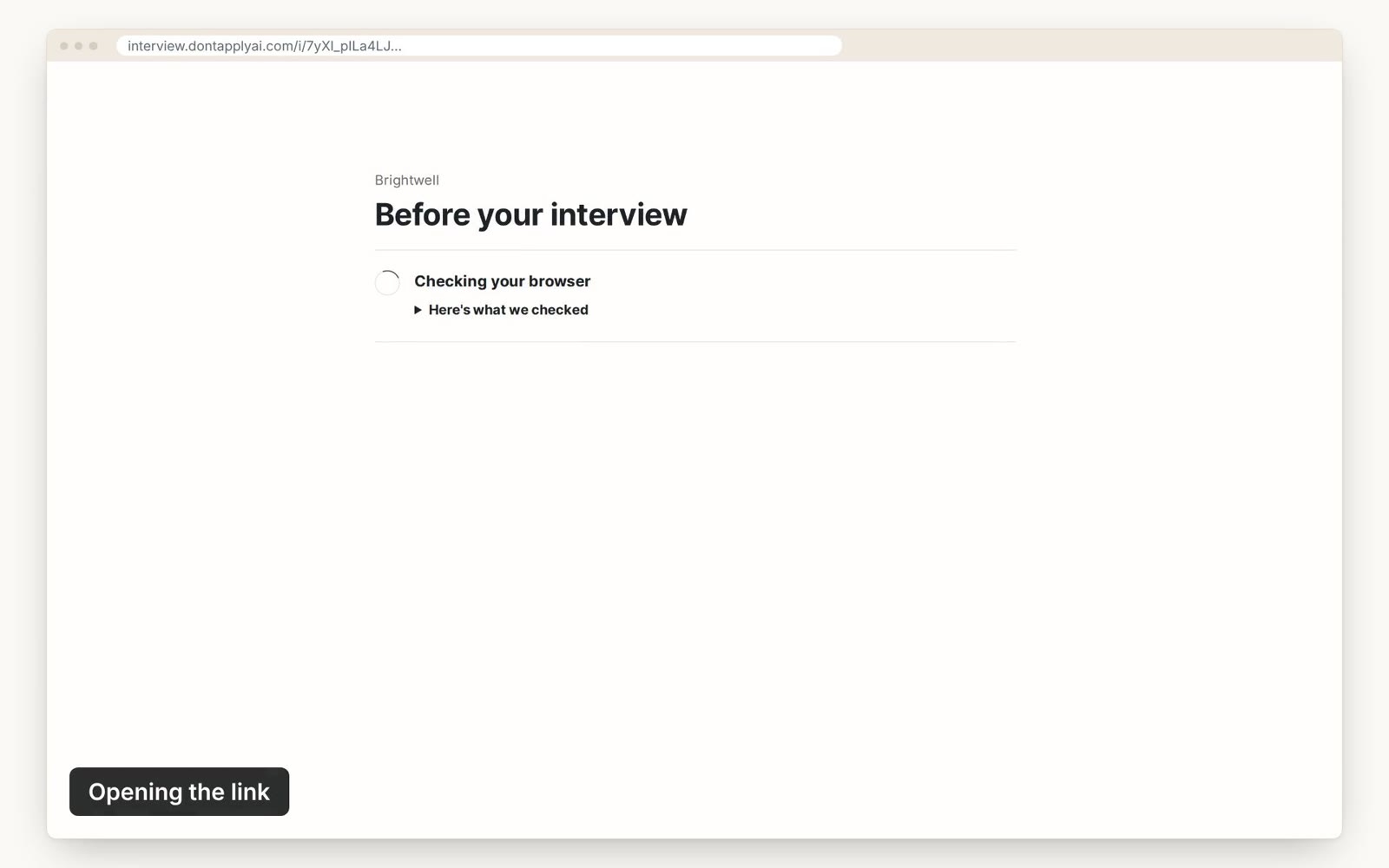
Review
Go back over your flags and notes after the call.
Questions
Do candidates need to install anything?
No. Candidates don't need to install anything. They open the link you send in their browser.
Does it work with Zoom, Teams or Meet?
Yes. dontapplyai runs in your web browser, so it works with any video call app that lets you share your screen, including Zoom, Microsoft Teams, Google Meet and Webex.
Can I use my own questions?
Yes. You can upload your own questions, organize them by role and share them with your team.
Will it catch every candidate who uses AI?
No tool can promise that. dontapplyai slows AI tools down and shows you signals to follow up on.
Is it fair to candidates?
It only changes one thing: where the candidate reads the question. The interview is otherwise the same.
Try it on your next interview
Free for 14 days, then from $49 a month.